6 easy coding activities for children to try at home
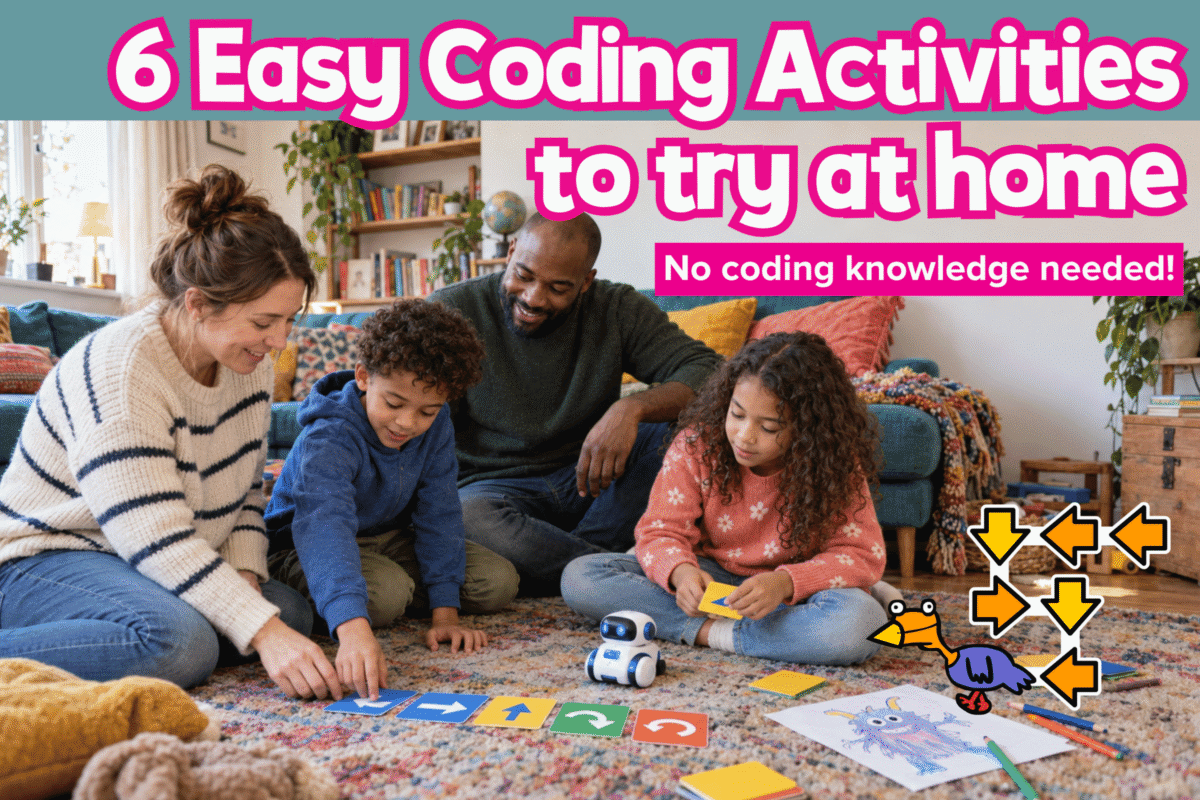
Does coding feel like one of those school subjects your child already understands better than you? The good news is that you do not need to learn to code before you can help them.
For primary-aged children, coding starts with putting instructions in order, spotting patterns, solving problems and changing an idea when it does not work. You can build all of those skills through play.
You do not need to know the technical terms or have the correct answer. Simply ask, “What should happen first?”, “Which bit went wrong?” or “What could you change?” Then let your child test their ideas.
These six easy coding activities for children at home use things you probably already have. Most are screen-free, and each explains what to do, what coding skill it builds and how to keep practising on Busy Things.
They are perfect for National Coding Week, but useful at any time.
6 easy coding activities for children to try at home:
- Coded dance: put instructions in order
- Mystery monster: give clear, precise instructions
- Ten-question detective: use logic to narrow down options
- Toy obstacle course: plan and test a route
- Shout “BUG!”: find and fix mistakes
- Odd one out: sort information using rules
- Coding at home: quick questions
- Try more coding activities on Busy Things
1. Make up a coded dance
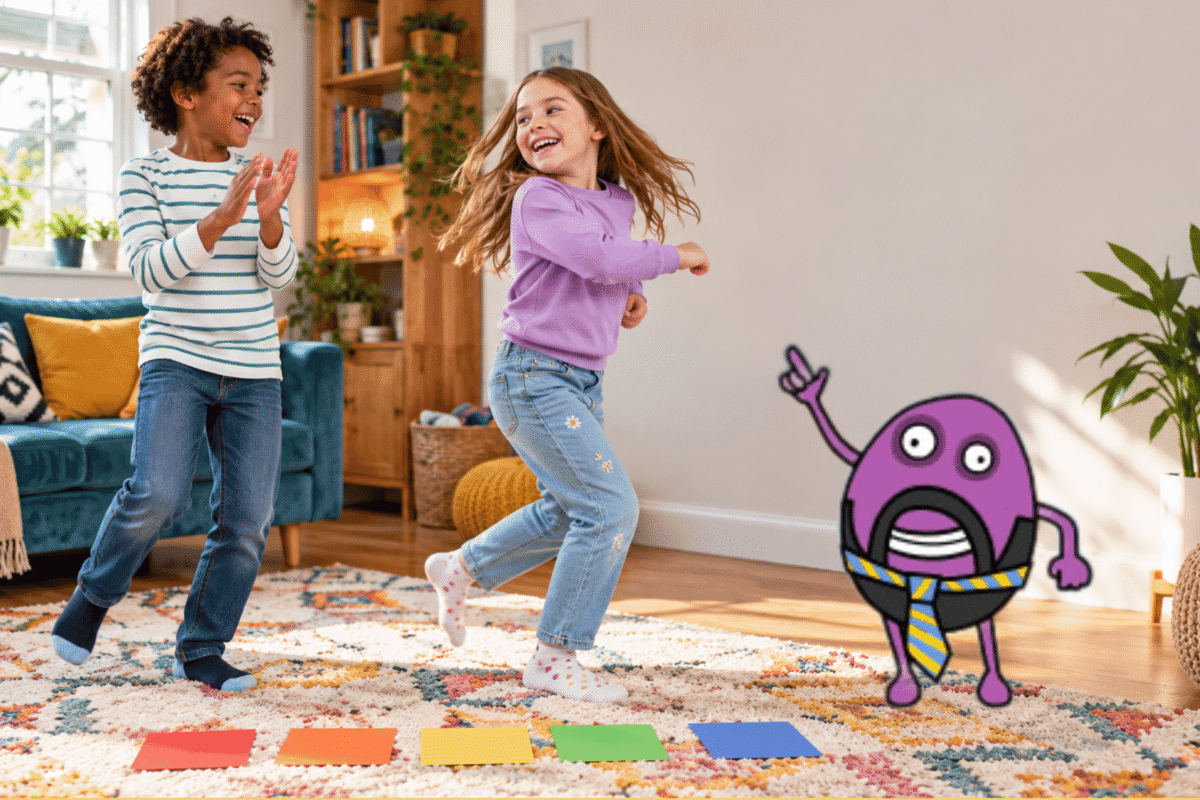
Choose four easy actions, such as clap, stamp, turn and jump. Say or write them in an order for your child to follow:
Clap, clap, turn, jump.
Take turns creating and following sequences. Younger children can draw the moves on scraps of paper and rearrange them. For more challenge, add a move, speed it up or try a longer sequence.
They are learning that instructions need to be clear and in the right order.
You do not need to explain the terminology to your child, but if you want the coding words, this is sequencing: putting instructions in the right order. The complete set of instructions is an algorithm.
Practise sequencing on Busy Things
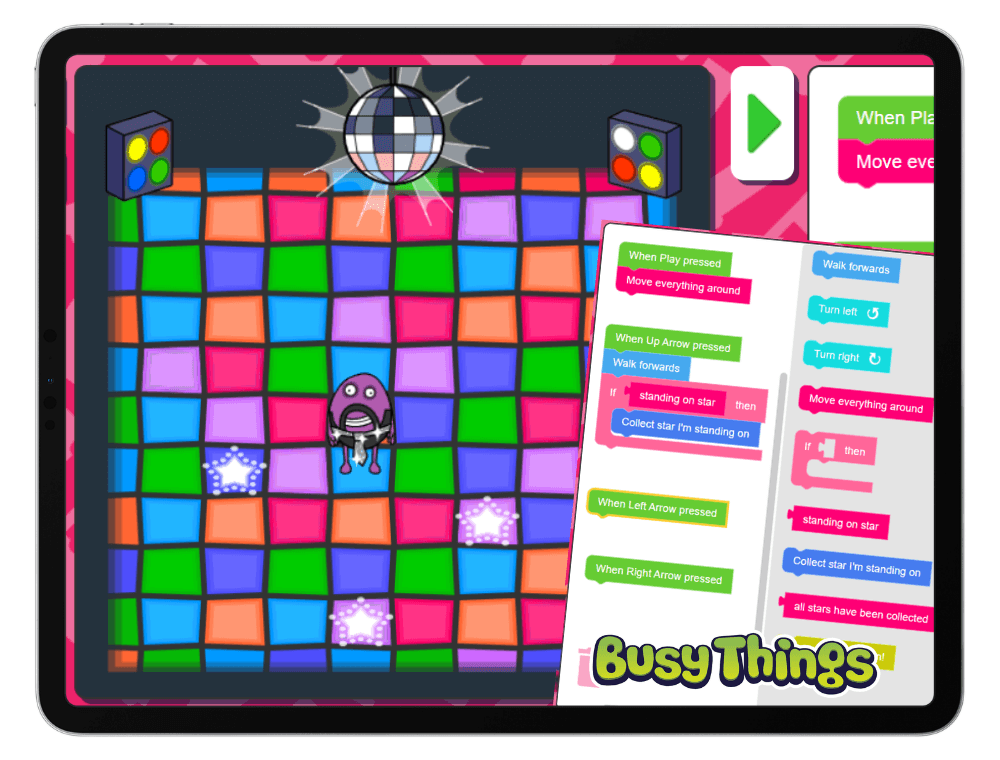
In Busy Code Disco, children work through tutorials and challenges to learn how instructions make Beard Man dance. They can then use what they have learnt to create their own routine.
2. Draw a mystery monster
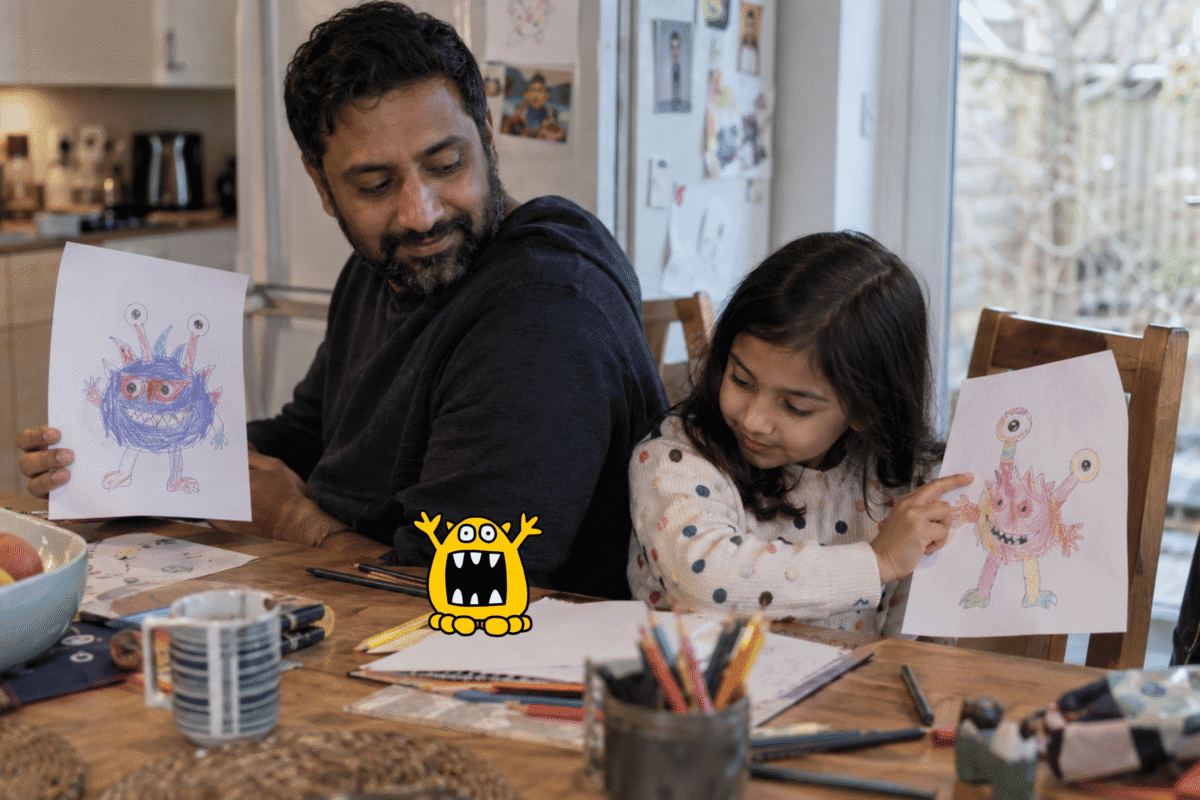
Sit back-to-back with paper and pencils so you cannot see each other’s pictures. One person draws a monster, then describes how to draw it without revealing the finished picture. For example:
Draw a big circle. Add three eyes, a square mouth, two long arms and six wiggly legs.
Follow the instructions exactly, then compare the monsters. Swap roles and see which details were missed or misunderstood.
Younger children can use just three or four instructions. Older children can create a more detailed picture and see how accurately they can explain it.
This is useful for coding because computers cannot guess what we meant. Children are breaking a bigger job into small, clear instructions. The coding word for that is decomposition.
3. Play ten-question detective
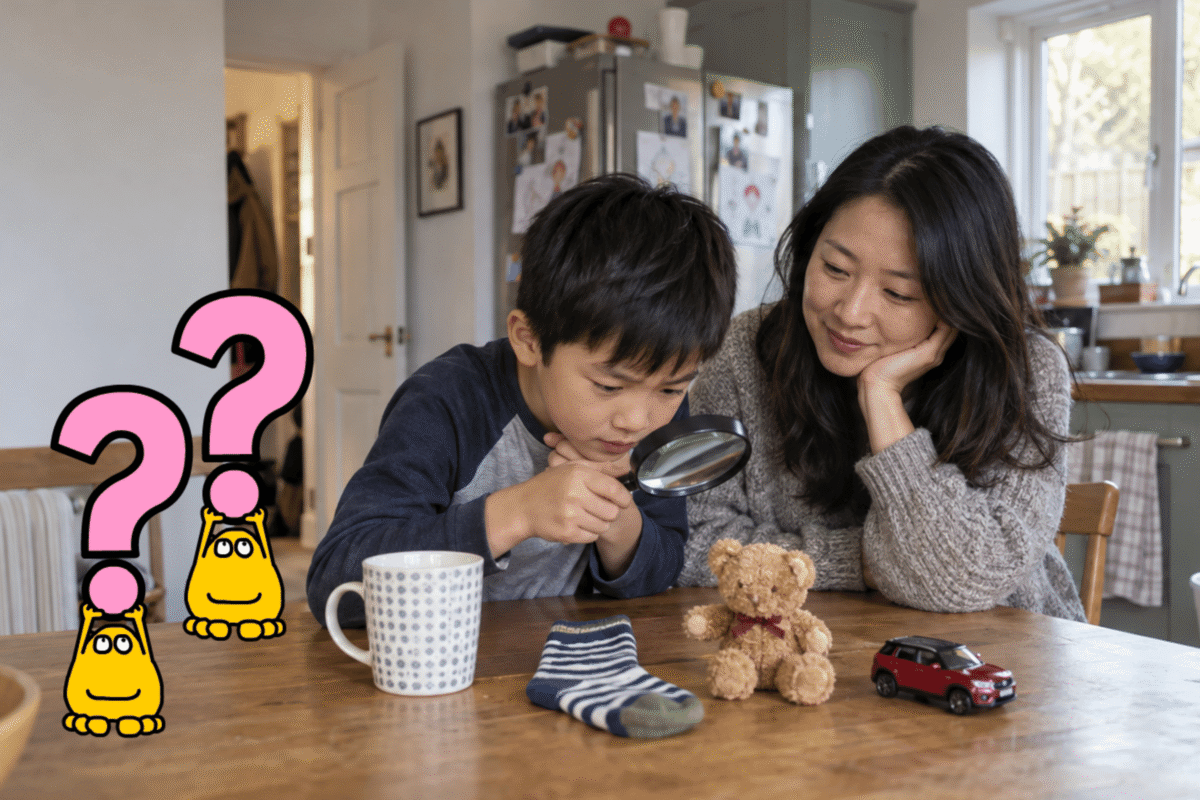
Choose an object in the room. Everyone else gets ten yes-or-no questions to identify it.
Rather than guessing an object immediately, encourage questions that rule out lots of possibilities:
- Is it bigger than a football?
- Is it soft?
- Is it something we use every day?
Younger children can have as many questions as they need. Older children can try to beat their previous score. Each answer helps them decide what to ask next.
This builds logical thinking. Each answer changes what they should do next, just as a program can follow different instructions depending on whether something is true or false.
Practise logic on Busy Things
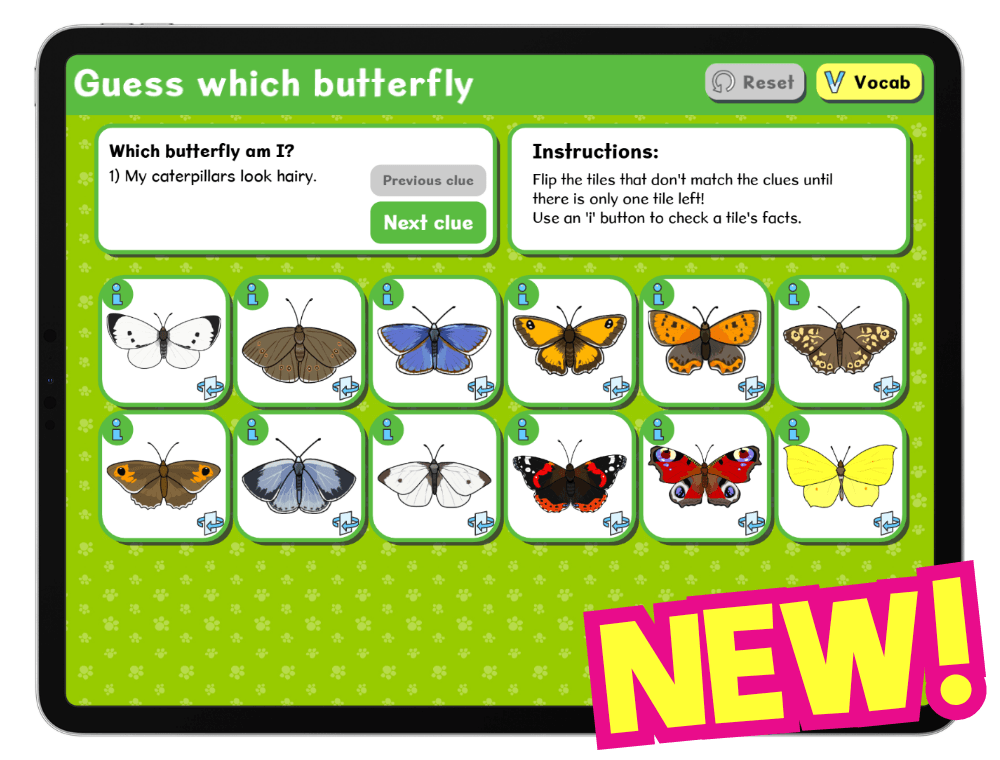
In Guess Which Butterfly, children read each clue and use their elimination skills to flip over the butterflies that do not fit until only one remains. It is Guess Who, but with butterflies!
4. Guide a toy through an obstacle course
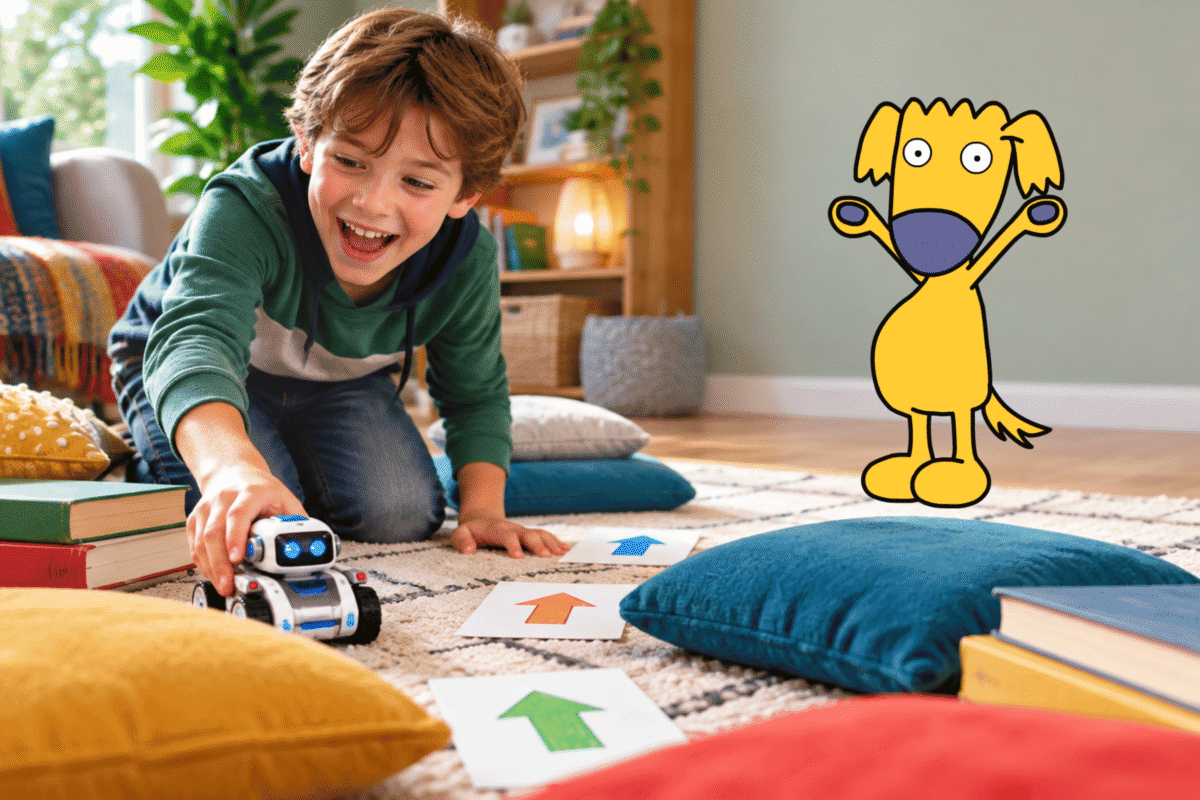
Put a toy on the floor, choose a finish point and add two or three obstacles using cushions or books. Your child guides it using instructions such as:
Move forward. Turn right. Move forward twice.
Follow them exactly, even if the toy walks into a cushion. Ask, “Which instruction should we change?” and try again.
Younger children can move the toy after each instruction. Older children can plan the whole route first. Can they find a shorter one?
They are practising sequencing and debugging: planning instructions, testing them and fixing the part that went wrong.
Practise directional coding on Busy Things
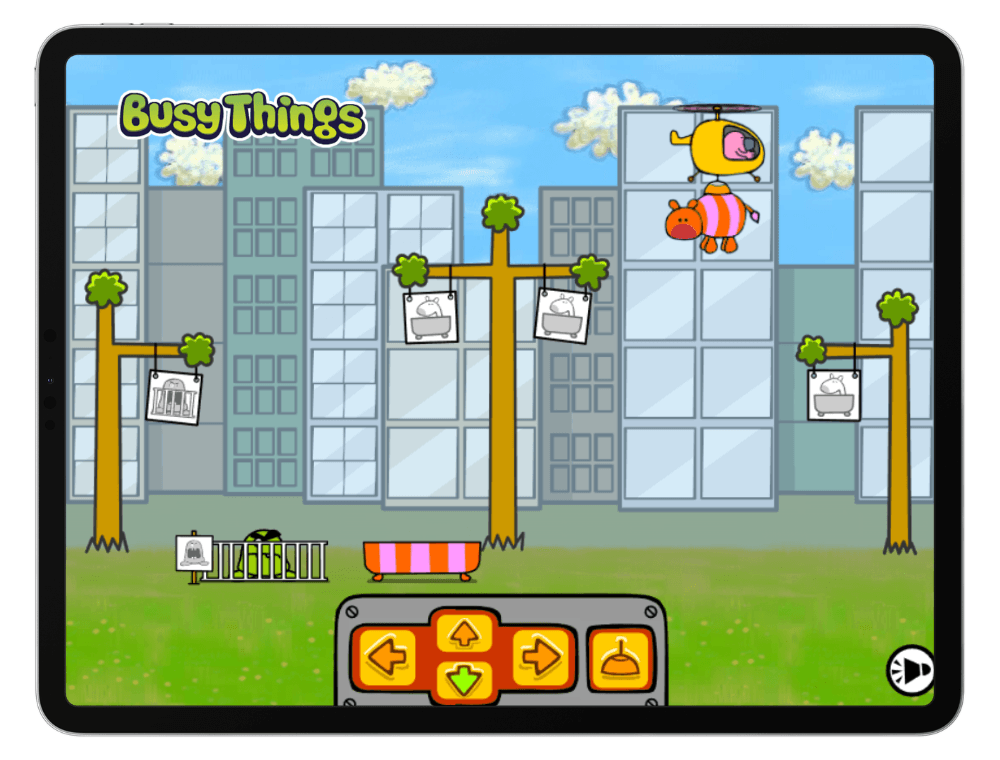
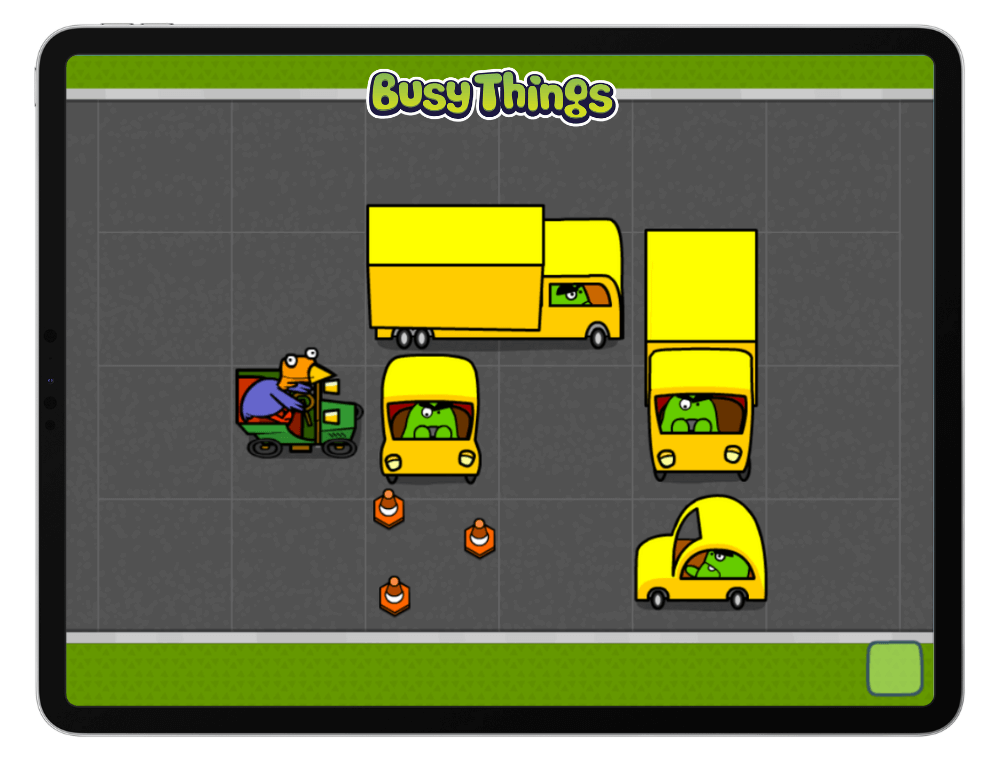
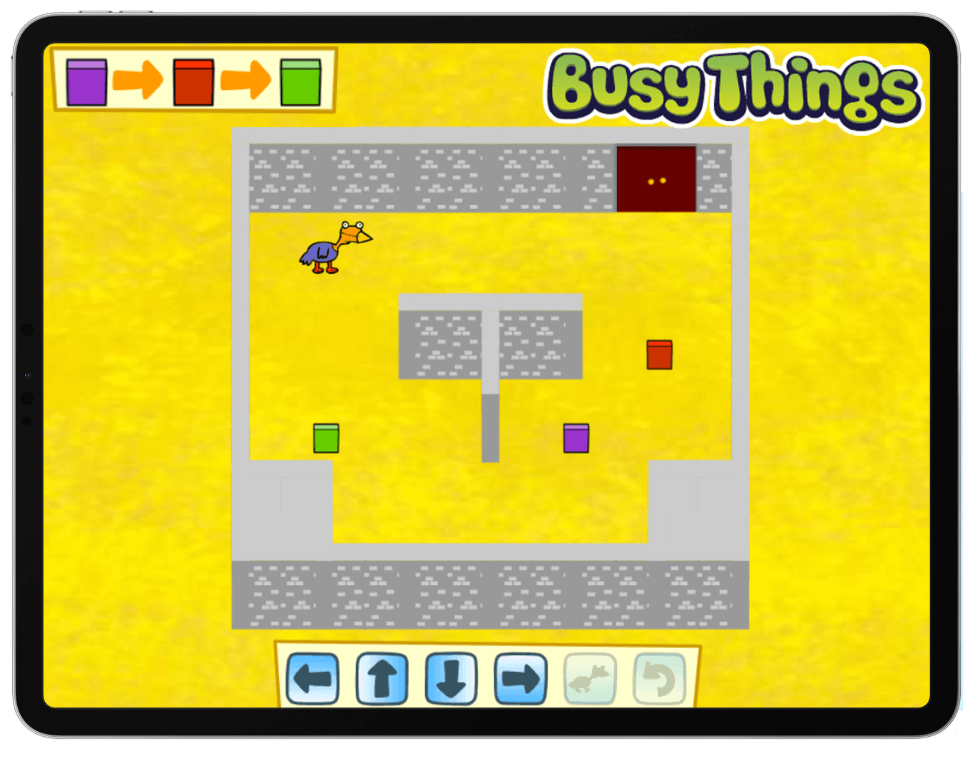
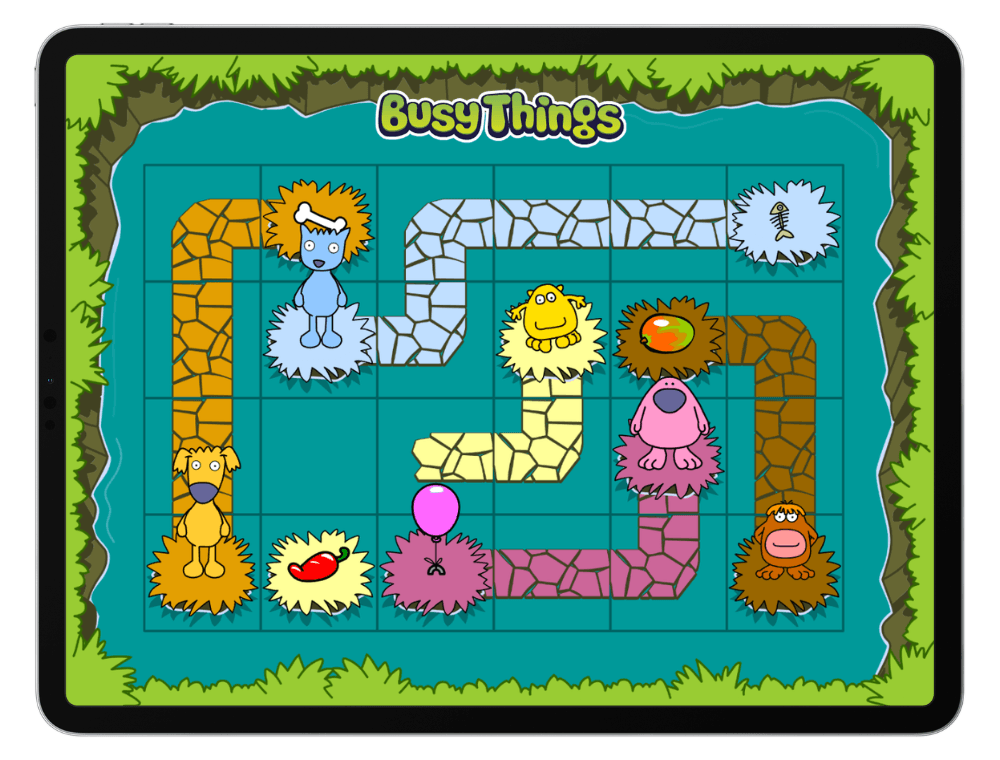
In Path Peril, children sequence directions to help a chicken get from A to B. Helicopter Rescue, Block-a-Doodle-Do and Puzzling Paths offer more directional, sequencing and logic challenges.
Explore more Busy Things coding games for children aged 3–11.
5. Shout “BUG!” when you spot the mistake
Tell your child you are going to explain how to do something familiar, but you will sneak in a mistake. They must shout “BUG!” as soon as they hear it.
You could explain how to get ready for school:
Get dressed. Put on your shoes. Put on your socks. Pick up your school bag.
Ask them to fix the muddled instructions, then try brushing teeth or getting ready for bed.
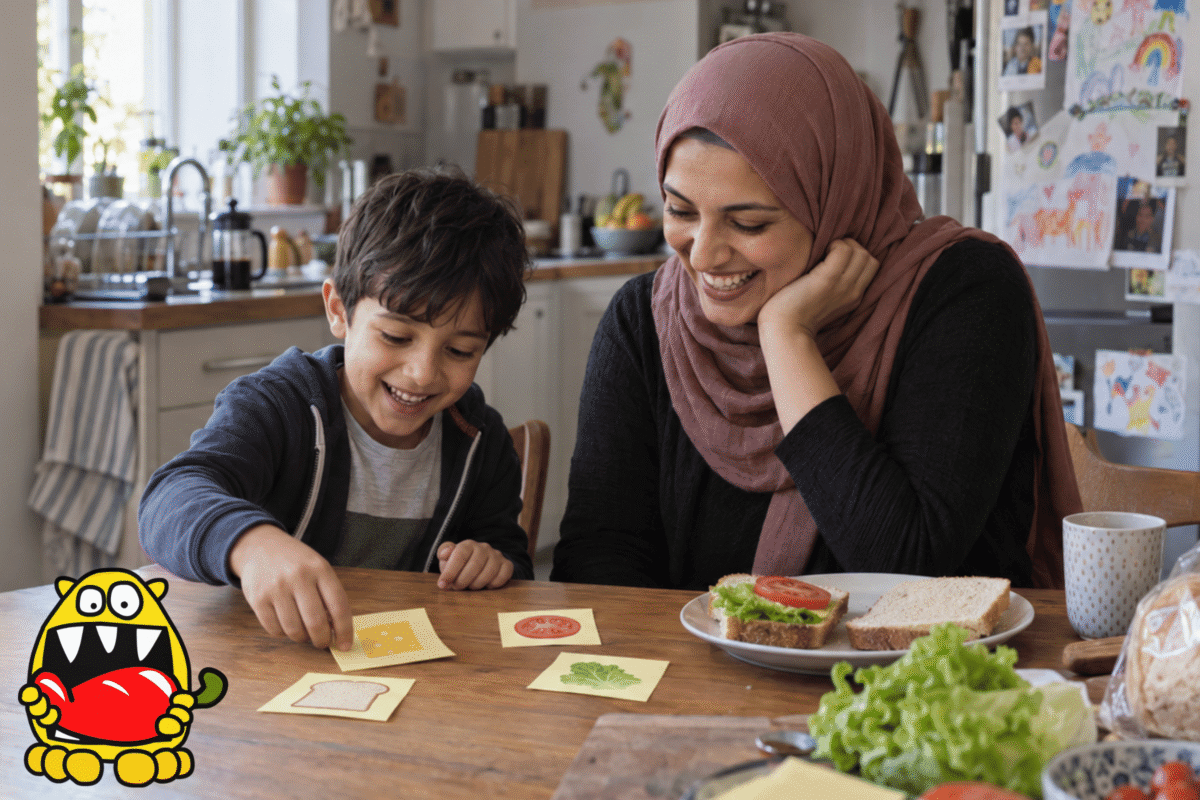
Or explain how to make a sandwich, but muddle the order:
Put two slices of bread together. Cut the sandwich in half. Now add the filling.
Swap roles so your child can catch you out. Older children can miss out a step or make the mistake less obvious.
You could write the instructions on Post-it notes for your child to rearrange. Once solved, secretly swap or remove one and see whether they spot the new bug.
In coding, a bug means something in the instructions is wrong. Finding and fixing it is called debugging. Here, children are doing both without a computer lesson.
Practise debugging on Busy Things
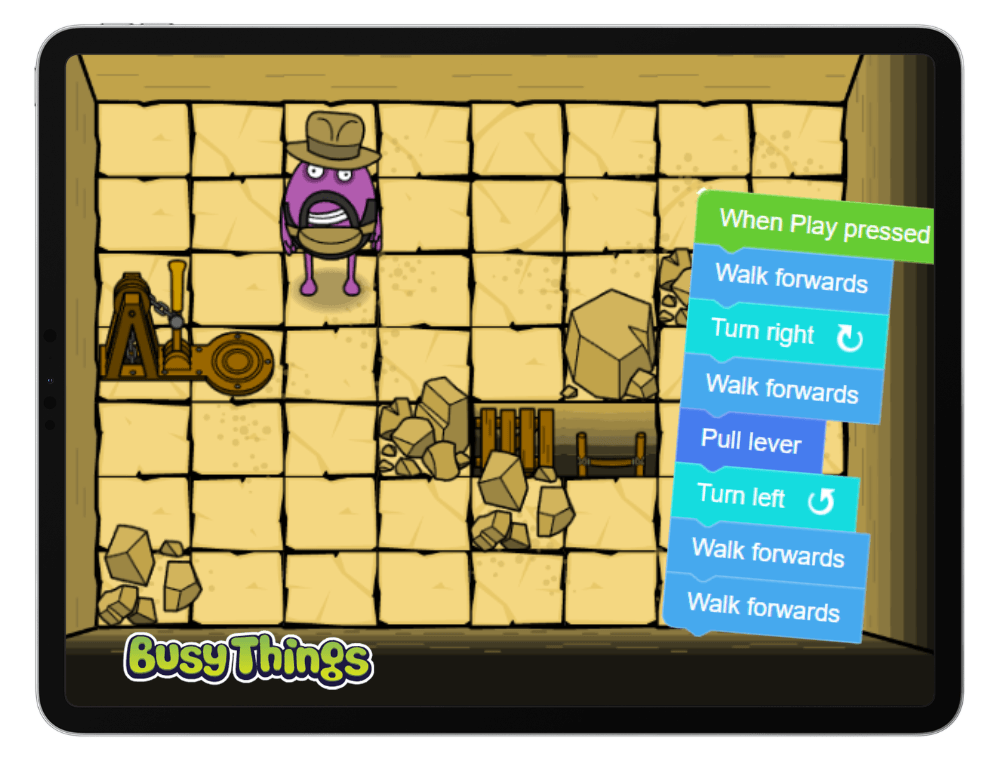
In Beard Man’s Adventures, children can build and run programs, see what happens and change their instructions when the result is not what they expected.
6. Find the odd one out, more than once
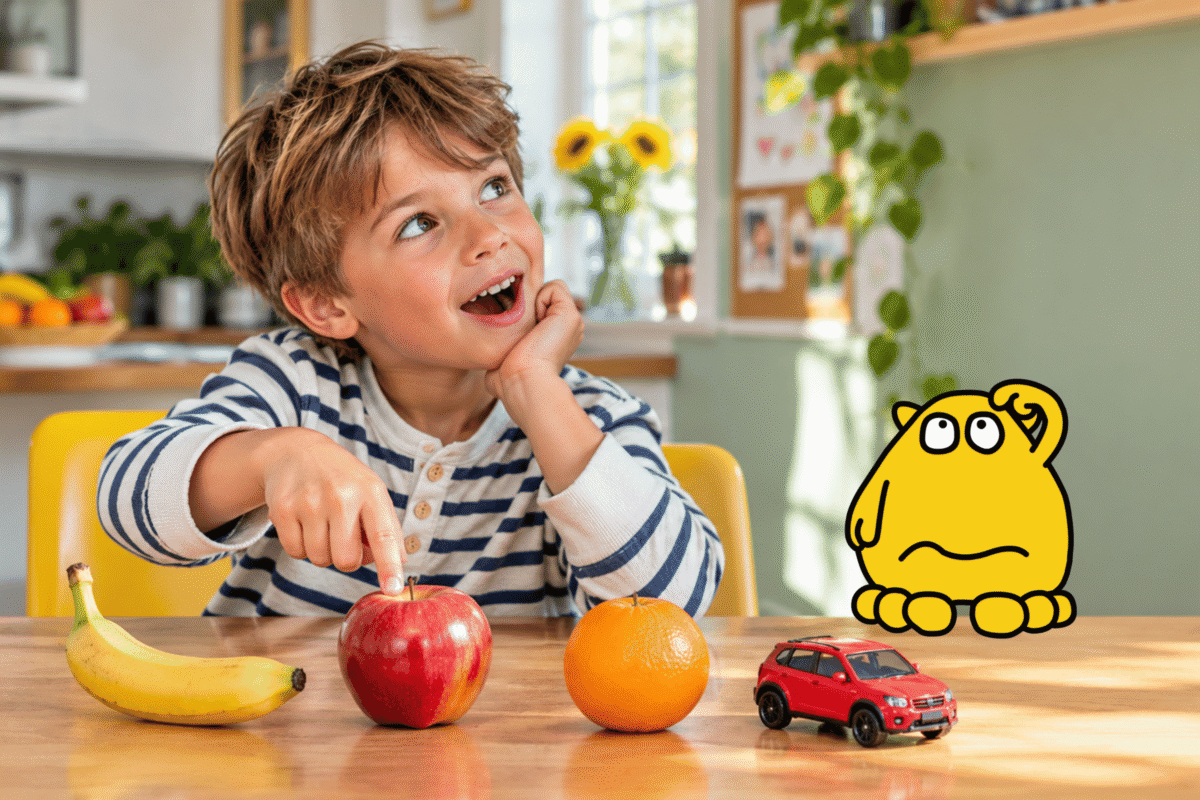
Place four objects together, for example a banana, apple, toy car and orange. Ask your child which is the odd one out and why.
The toy car is not a fruit, but the banana is also the only one that is not round. Can they find another answer?
Younger children can use colour, shape or size. Older children can look for less obvious connections.
Computers sort information using rules, so this builds the same classification, logic and flexible thinking used in coding.
Coding activities for children at home: quick questions
What are unplugged coding activities?
Unplugged coding activities practise sequencing, logic and debugging without a computer. A coded dance, mystery drawing or toy obstacle course all count.
What is an algorithm?
An algorithm is simply a set of step-by-step instructions for completing a task. A dance sequence, route to the sofa or instructions for making a sandwich are all simple algorithms.
What age can children start learning coding skills?
Children can begin when they can follow two or three simple instructions. Older children can plan longer sequences, compare solutions and explain which worked best.
Does my child need a computer to learn coding?
No. Screen-free activities build the thinking skills. Digital coding games then let children run instructions, see the result and change what did not work.
Which Busy Things coding activity should my child try first?
Younger children can start with simple directional games such as Path Peril or Helicopter Rescue. Older children can try the Busy Disco tutorials and challenges before moving on to Beard Man’s Adventures.
Try more coding activities on Busy Things for free
Looking for more coding activities for children at home? Busy Things for Families includes coding games for children aged 3–11, from simple directional challenges to Busy Code adventures where older children can build, run and fix their own programs.
… and let your child explore at their own pace. No payment details required.
Looking for coding ideas for the classroom? Try these seven engaging ways to teach coding during National Coding Week.
3 Replies to “6 easy coding activities for children to try at home”